← Tools overview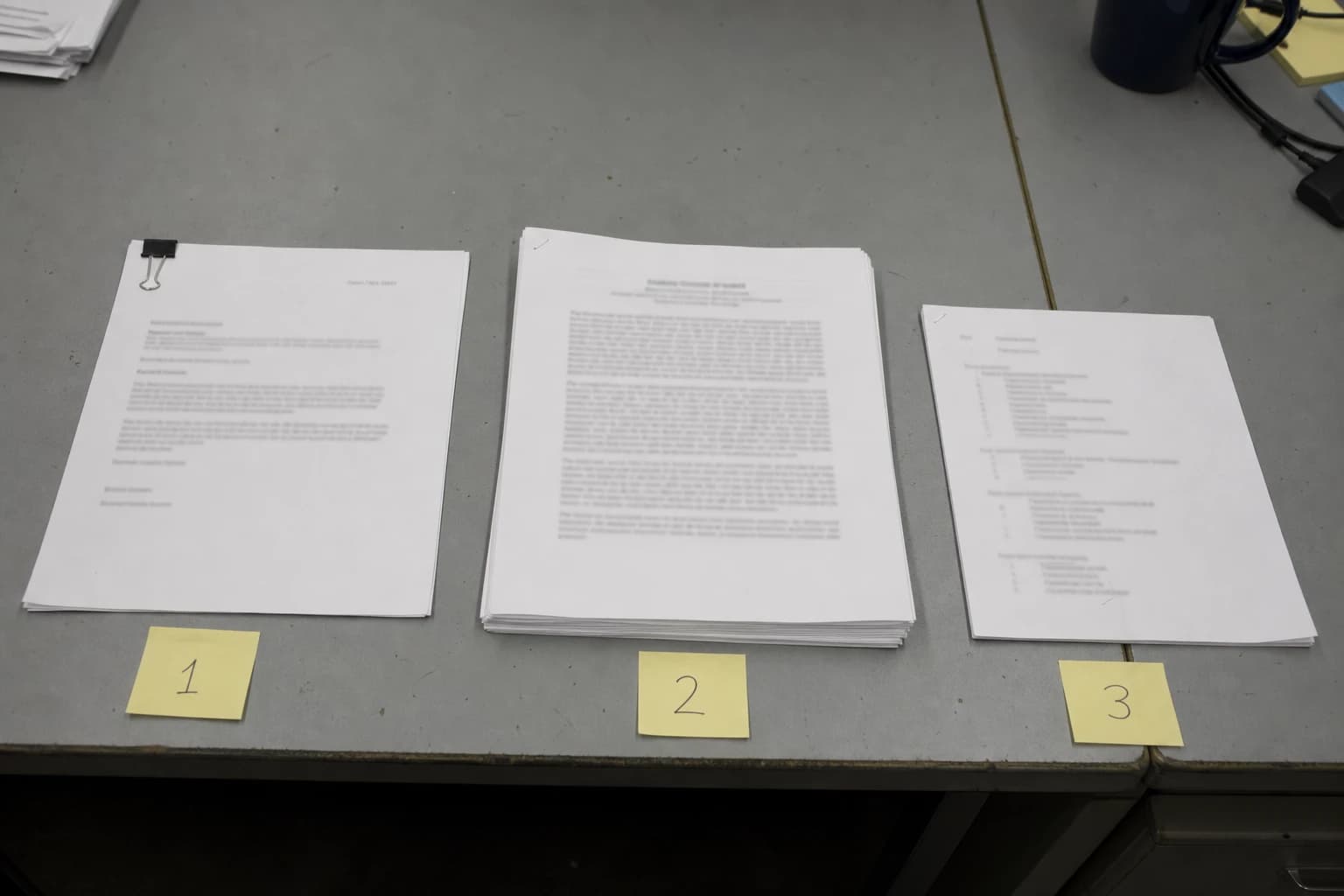
Merge and organize PDFs
Combine multiple PDFs, set page order, and prepare a single document package.
Outcomes
- ✓ Combine two or more PDFs into one file
- ✓ Reorder documents before merging
- ✓ Remove files from the merge queue
Limitations
- • Encrypted PDFs must be unlocked first
- • Bookmark transfer is not guaranteed
- • Merge requires sign-in and runs in the browser
Supported formats
PDF
Merge PDF combines multiple documents into a single file while preserving the page order you define.
What you can do
- Combine PDFs in a custom sequence
- Reorder files before processing
- Remove individual files from the queue
- Download a single output PDF
Supported formats
- PDF input and PDF output
Limitations
- Password-protected PDFs must be unlocked before merging
- Bookmarks and form fields may not transfer as expected
- Merge runs in the signed-in workspace, in the browser. Files are not uploaded.
Example workflow
Prepare a report appendix by placing the cover letter first, the main report second, and supporting exhibits last. Merge, then scroll through the first page of each section to confirm order.